Web Design isn’t just about how your website looks. It is about maintaining a perfect balance between the website’s functionality and visual appeal. With the right set of tools, you can easily strike that balance. They help create visually elegant UI designs and robust features, enhancing user experience.
A myriad of design tools are available in the market. Picking inefficient tools leads to poor results, while using the best web design tools ensures efficient outcomes with minimal effort. They prove beneficial to designers at every level, ranging from beginners to experts.
In this article, we list the top tools for creating stunning web designs and improving overall productivity. It also covers features, integrations, use cases, and pros and cons for each.
Which Tools are Best for Web Design?
Tools like Wix Studio and Webflow are popular all-in-one builders, best for creating stunning visual design with minimal code. Experienced web designers trust software like Adobe XD, Sketch, and Figma for robust design and prototyping. Experienced eCommerce website design service providers use platforms like Shopify and WooCommerce to deliver high-performing online stores. CMS tools like WordPress fit right for content-heavy websites, whereas frameworks like Bootstrap are best for catering to web design requirements ranging from simple sites to complex interfaces.
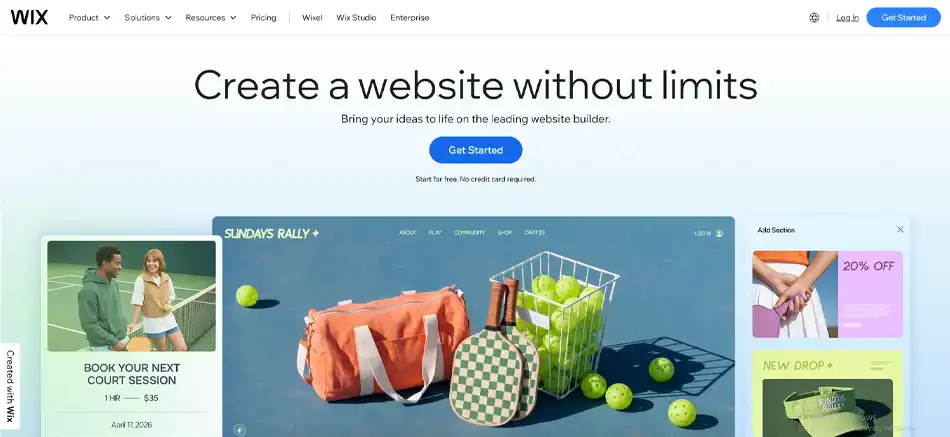
1. Wix Studio
Wix Studio is the professional-grade evolution of Wix, offering responsive AI features for easy website building. Apart from web design, it also provides services for registration, web administration, and modification. Wix users aren’t required to know any programming language, DNS, server building, or renting. They just have to handle the graphical user interface to create a website, and Wix will take care of everything else.
Key Features:
Mobile site editor: Help customize the design and layout of your website to offer a seamless mobile experience.
Entrance animations: Allows you to add animated effects on your site wherever required.
Image filters: Customize or optimize your images using a large array of filter options.
VideoBox: Edit the design of the video section or box and of the play button to present them uniquely.
Popular Integrations:
HubSpot
Google Analytics and Google Ads
Meta Pixel
Mailchimp
Hotjar
Use Cases:
Online stores
Portfolios
Service-based systems
Scalable business websites
Marketing landing page
Pros
Cons
An extensive set of templates, widgets, and filtering options
You can’t switch templates once the site is created. Have to start from scratch again
Built-in SEO tools
Low-tier plans have limited storage
User-friendly drag-and-drop interface
Wix websites often suffer from slower loading speeds
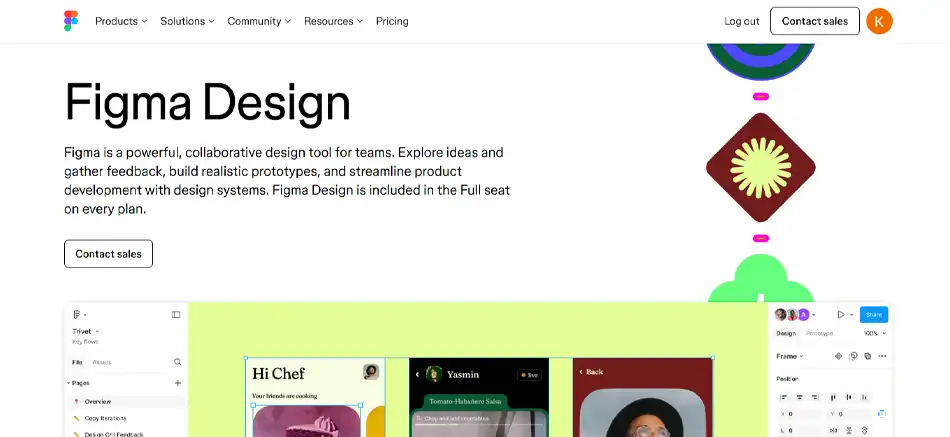
2. Figma
Figma is a feature-rich software providing an easy-to-use, vector-based interface for web design. The tool stands out with its cloud-based approach, allowing the entire team to work collaboratively on the same template design. The team can make live changes and share the design. The editing panel of Figma is filled with various tools and options for different fonts, colors, and other elements required to create an icon, image, or a complete web template.
Key Features:
Responsive AI: One-click layout optimization that automatically makes any section responsive across all devices.
Real-Time Collaboration: Figma is cloud-based, which allows the design team to collaborate over a single file in real-time, make live changes, and leave comments.
Vector Networks: Provides an advanced pen tool to draw and edit complex web designs with better precision. It also allows you to create a custom brush style to add unique and organic strokes.
AI Prototyping: It automatically creates interactive links and transitions between frames based on user intent.
Version Control: Provides an automatic saving feature. Allows history management and restoration of previous versions.
Auto Layout: Creates responsive frames that adjust according to the content length.
Popular Integrations:
Sprig and protopie
Visual Studio Code and Storybook
ChatGPT and Zapier
Use Cases:
Collaborative design activities
Interactive prototypes
Design systems
Pros
Cons
Saves time and keeps designs well-organized. Avoids confusion by not creating multiple versions of the same file
Projects might become slower if the image is heavy, has too many layers, or has complex elements
Help maintain the visual identity of the project by centralizing fonts, colors, and effects
Need a reliable internet connection to work on a project with your team
Supports seamless integrations with different plugins and operating systems
Using Figma’s advanced features would be challenging for new users. It has a steep learning curve
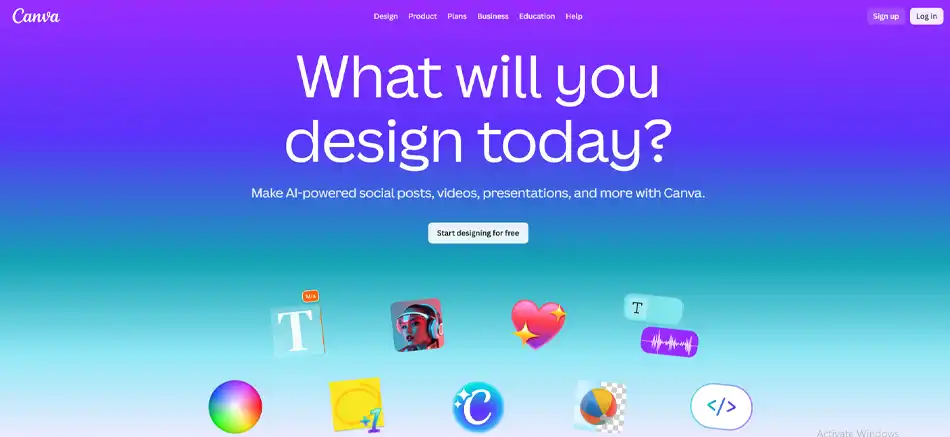
3. Canva
Being a graphic design software, Canva offers drag-and-drop features and a vast range of prebuilt templates. Canva’s “Magic Studio” allows users to generate entire website layouts from simple descriptions. Even if you don’t have any designing skills or experience, Canva helps you effortlessly build professional-looking banners, headers, and other web visuals. Canva competes with Figma to assert dominance in the design space.
Key Features:
Templates: Provides a comprehensive library of readymade design formats for websites, social media platforms, presentations, digital portfolios, and more.
Design Elements: Using Canva gives you immediate access to millions of stock photos, vectors, and illustrations.
Photo Editing: Provides different image enhancement tools and features such as magic expand and background remover.
Video Editor: Allows you to easily trim, split, and splice the video. It also helps add audio.
Popular Integrations:
Dropbox
Flickr
HubSpot
OneDrive
Slack
Shopify Sync
Use Cases:
Landing pages
Simple websites
Digital portfolios
Prototypes
Pros
Cons
Intuitive interface with drag-and-drop editor
Supports limited advanced web features
A vast collection of web templates and ready-to-use graphical elements
Images generated in the free version are watermarked, which may hinder your branding
Availability of the free version
Need to subscribe to access premium design elements
4. Duda
Duda is one of the best web design tools that works well for creating and handling website projects demanding speed and flexibility. It works as a centralized solution to design, deploy, and maintain websites for teams and businesses. With Duda, creating a responsive website that performs well across multiple devices and screen sizes becomes easy.
Key Features:
White label options: Allows agencies to deliver sites under their own brand.
Simultaneous projects: Duda’s team collaboration tools allow you to handle multiple projects at once.
Content collection tools: Help gather client data quickly.
Responsive design: Create a design that works consistently across all devices.
Popular Integrations:
Google Analytics
DropBox
Mailchimp
Shopify
Zapier
HubSpot
Use Cases:
Business websites
eCommerce stores
Data-driven websites
Membership sites
Pros
Cons
Quick setup for multiple projects
Customizing a complex layout is difficult
Flexible client permission settings
Advanced design control is limited
White label options for agencies
Expensive monthly subscriptions
5. WordPress
WordPress is a widely used tool for website design. An estimated 75% of content management systems are powered by WordPress. Offering over a thousand built-in themes and plugins, WordPress’s vast library comprises options for building, editing, customizing, optimizing, and installing websites. All its themes are responsive and mobile-ready. Moreover, it allows you to configure the texts, images, backgrounds, and colors to fit your requirements.
Key Features:
Customization Options: Even after providing thousands of themes and plugins, WordPress allows you to customize the design and add new features that meet your requirements.
SEO-Friendly: Websites built with WordPress are always SEO-ready. It supports various SEO plugins to improve your site’s search visibility.
Flexibility: With WordPress, you can create different types of websites, including blogs, eCommerce stores, online forums, portfolios, etc.
Community Support: Being an open-source platform, WordPress boasts a large and active community providing support for your queries and issues.
Popular Integrations:
Google Analytics
Mailchimp
WooCommerce
Paypal
Strip
Instagram
LinkedIn
Use Cases:
Blogs
eCommerce stores
Business websites
Portfolios
Online forums
Pros
Cons
Block-based layout simplifies customization
Customization options are often limited depending on the themes
Vast library of themes and plugins
Plugins require regular updates
Easy content management
Building custom solutions often becomes too costly
6. Bootstrap
Bootstrap is a web design framework for rapid prototyping of websites and web designs. The tool mainly focuses on creating visually elegant designs for the front-end. It offers a myriad of readymade yet customizable web templates and advanced web development features. Bootstrap supports web design through various programming languages like JavaScript, HTML, and CSS.
Key Features:
Robust JavaScript plugins: Allows you to add design elements like toggleable menus, tooltips, etc.
Bootstrap Icons: An open-source SVG icon library featuring over 1800 glyphs designed to work in any project.
Themes Marketplace: Rich in terms of web elements, plugins, and build tools.
Popular Integrations:
Integrations are currently not available
Use Cases:
Business and personal websites
Admin dashboards
Landing pages
Blogs and portals
Pros
Cons
Offers mobile-responsiveness-focused features
Poor version compatibility
Offers ready-made web components
Limited color schemes
Default UI for Form Control with validations
Limited customization options
7. Marvel
Being a web design software, Marvel helps designers create web design specs. If you do not have any knowledge about coding or want to build prototypes or wireframes without coding, then Marvel is your go-to option. It’s a tool that gives your web design ideas a proper structure.
Key Features:
Centralized Platform: Unifies all aspects of the web design process, including wireframing and user testing.
Rich library: Consists of millions of digital elements, including stock photos and icons.
Designing on the go: Marvel allows for real-time team collaboration and live changes on the project.
Popular Integrations:
Jira
Microsoft
YouTube
Niice
Dropbox
Use Cases:
Landing pages
eCommerce and product pages
Web apps
Informational sites
Service-based sites
Pros
Cons
Offers a rich library and UI kit to maintain design consistency
Teams aren’t allowed to work together on prototypes
Simple UI with auto-layout web elements
Limited number of animated features
Shareable projects
The offline version is unavailable
8. Durable
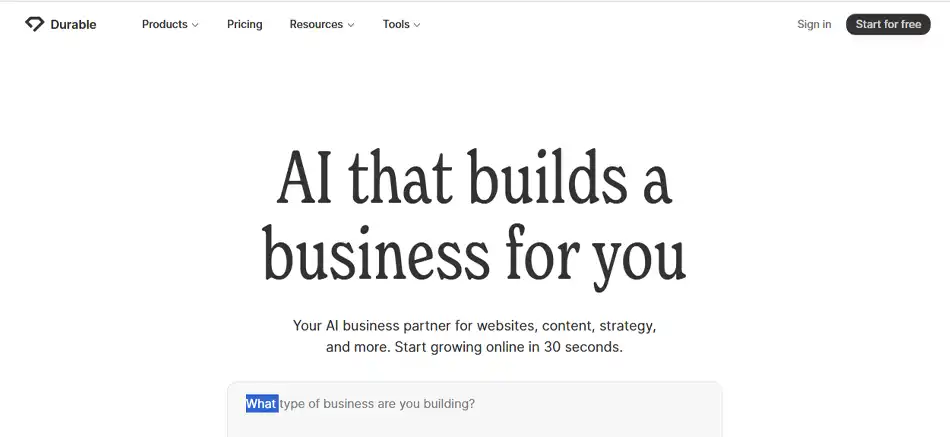
Durable is an AI website-building tool. So even a non-technical person can design the site they need by describing what kind of site they need and with what features. The tool also helps write brand-relevant content for the website.
Key Features:
Instant site generation: As soon as you enter the prompt, Durable will create the required site within seconds.
AI content engine: Help create web pages and blog posts.
Mobile optimization: Provides numerous templates already optimized for mobile devices.
Popular Integrations:
Wix
Framer
GoDaddy and Hostinger
Squarespace
Lovable
Use Cases:
Small business websites
Portfolio websites
Service-based sites
eCommerce sites
Pros
Cons
Quick site generation
Limited third-party integrations
Built-in CRM and invoicing
Limited design customization
Offers robust security features
Low resolution output
9. Justinmind
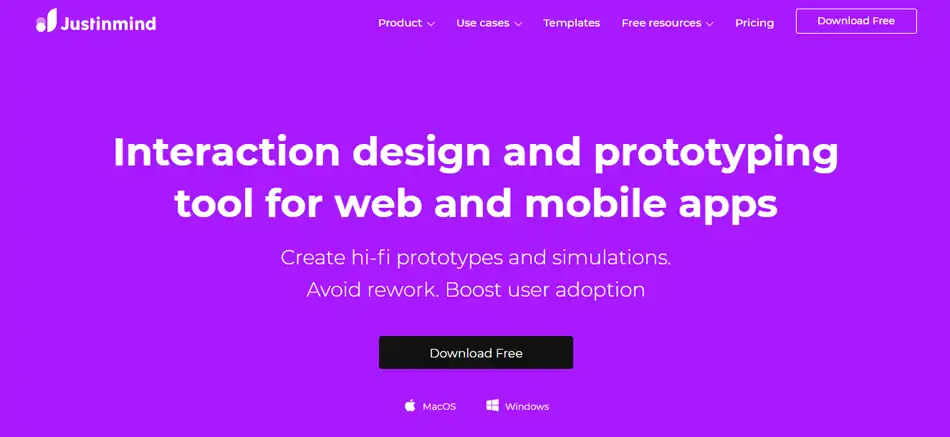
Justinmind is a web design platform that helps build interactive mockups, wireframes, and prototypes for web and mobile applications. It also supports interactive graphics and user testing. Justinmind’s built-in UI kits make it possible for even beginners to create flowcharts and wireframe UIs.
Key Features:
Built-in heat maps: Help understand which aspect of the site gets the most impressions and clicks.
eCommerce support: Justinmind provides features to build, handle, and maintain online stores.
iOS and Android emulators: Mimics web functionalities for user testing across mobile devices.
Popular Integrations:
Atlassian Jira
Azure DevOps
Clicktale
Crazy Egg
Hotjar
Photoshop
Use Cases:
eCommerce platforms
SaaS platforms
Portfolios
Pros
Cons
Supports up to 2-3 UI/UX mockups simultaneously
Doesn’t have proper tutorials and documentations
Better customer support
Difficult to share designs
Rapid prototyping
Displaying system responses is a tough challenge
10. Adobe XD
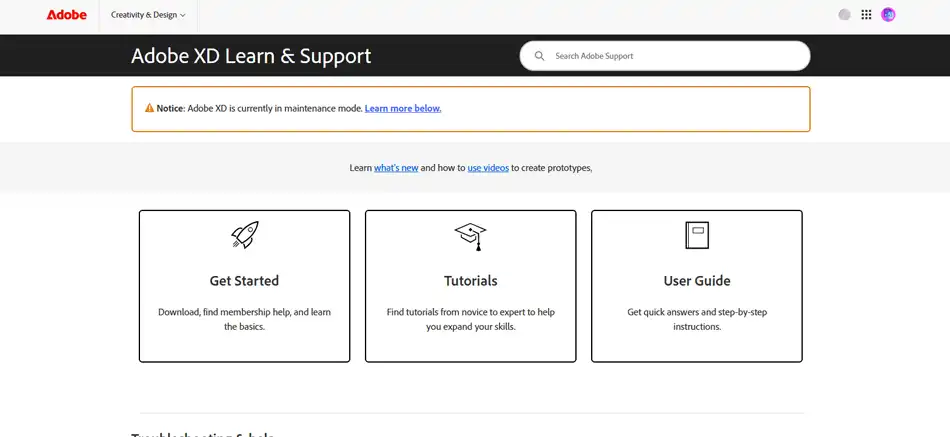
Adobe XD is a versatile web design software. It provides amazing capabilities for UI designing, vector designing, and voice prototyping. By streamlining the web design process, Adobe XD makes it easy for designers to build and test detailed and interactive designs.
Key Features:
Prototyping: provides advanced prototyping features and makes the design process highly interactive.
Design systems: Its support for design systems enables users to create and handle a library of reusable components and styles.
Plugins: Allows seamless integration with various plugins to extend its functionality.
Although a large number of web design tools are available in the market, there is no right or one-size-fits-all solution. As we have seen in this article, every tool comes with its own unique set of features, integrations, use cases, pros, and cons. Some of those are better at prototyping, while some are better at graphic design. The list also contains all-in-one builders, frameworks, and emerging tools. For you, the right web design software will be the one that suits your project requirements.
FAQs
Q1. Do I need coding for web design?
Coding is no longer an essential skill for web design. Many no-code and AI web builders are available in the market. Moreover, tools like reliable Figma now also support AI for web design.
Q2. How can I create my own website?
Mainly, there are two ways to design a website on your own: pick an AI web builder or start programming. AI web builders are still not mature enough to give optimal outcomes. Programming on your own is a reliable way unless you have a core business to attend to. In such a case, outsourcing is the better option.
Q3. How to Choose the Best Web Design Software?
Choosing the best web design software completely depends on your project goals. So, compare your requirements against the features offered by the tool. Also, consider their strengths and limitations. It is best to choose a robust tool with a proven track record and community support.
Q4. Which is the best software for web design?
WordPress is the best software for web design, powering almost 43% of all websites on the internet. It offers a vast library of themes and plugins for customization. WordPress is a flexible and SEO-friendly platform.
Q5. What is the easiest program to build a website?
Wix is the easiest program, as you don’t even need technical knowledge to build a website. You just have to manage visuals while Wix takes care of the rest.