
Quick Summary
- WordPress social media auto poster plugins automate post sharing across multiple social networks directly from your dashboard.
- The best plugins support auto posting, content scheduling, and automatic resharing of older posts.
- Popular options include Social Auto Poster, Revive Social, Bit Social, and Blog2Social.
- Compare pricing, supported networks, account limits, and scheduling features before selecting a plugin.
- Test plugin reliability, website speed impact, and compatibility before automating your social media publishing.
Sharing every new post by hand gets old fast. You publish on WordPress, then open Facebook, LinkedIn, X, and Instagram one by one, rewrite the caption, paste the link, and hope you didn’t skip a network.
A WordPress social media auto poster plugin can take over that job. The most useful type for this is an auto poster. It picks up your new post, builds the update, and sends it to your connected accounts. Many also let you schedule posts and reshare older ones.
Choosing one is harder than it looks. Plugins support different networks, free plans have different limits, and some platforms now charge for posting through their API. The wrong pick can mean failed posts or a surprise bill.
This guide compares 7 WordPress plugins that let you auto-post to social media. Each one gets its key features, pros, cons, pricing, and a rating.
How We’ve Tested and Reviewed WordPress Social Auto Poster Plugins
We test each one the way a regular site owner would use it. Below is our process:
- Clean test site: We install every plugin on a fresh WordPress site with a default theme and no other plugins. This keeps the results fair across all 7 tools.
- Real accounts: We connect each plugin to live social accounts and publish test posts, so we see what actually happens instead of what the plugin promises.
- Result check: We open each network and look at whether the post went out, whether the title, image, and link appeared correctly, and whether the timing matched our schedule.
- Speed test: We run GTmetrix and PageSpeed Insights on the same page before and after installing the plugin, so any slowdown shows up in the numbers.
- Plugin health check: We look at the last update date, the WordPress version it was tested with, the number of active installs, and how quickly the developer answers support questions. An abandoned plugin is a risk because social networks change their rules often.
- Pricing check: We take every price and free plan limit from the official pricing page. Plans change often, so confirm the current price before you buy.
Quick Comparison: Top WordPress Social Media Auto Poster Plugins
To help site owners decide which social media auto poster plugin to start with, the table puts the 7 WordPress plugins side by side.
| Company Name | Best For | Pricing | Ratings |
|---|---|---|---|
| Social Auto Poster |
| 4.83 | |
| Revive Social |
| 4.0 | |
| Bit Social |
| 4.5 | |
| Blog2Social |
| 4.5 | |
| SchedulePress |
| 4.6 | |
| Jetpack Social |
| 3.3 | |
| Nelio Content |
| 4.4 |
Top 7 Social Media Auto Poster Plugins for 2026
Every WordPress social media auto poster plugin below can send a new post to your social accounts without you pasting a single link.
One thing to know before you compare prices: X (formerly Twitter) now bills for posting through its API on a pay-per-use basis. Depending on how a plugin connects to X, that cost can land on you, so check each plugin’s X setup before you rely on it.
1. Social Auto Poster
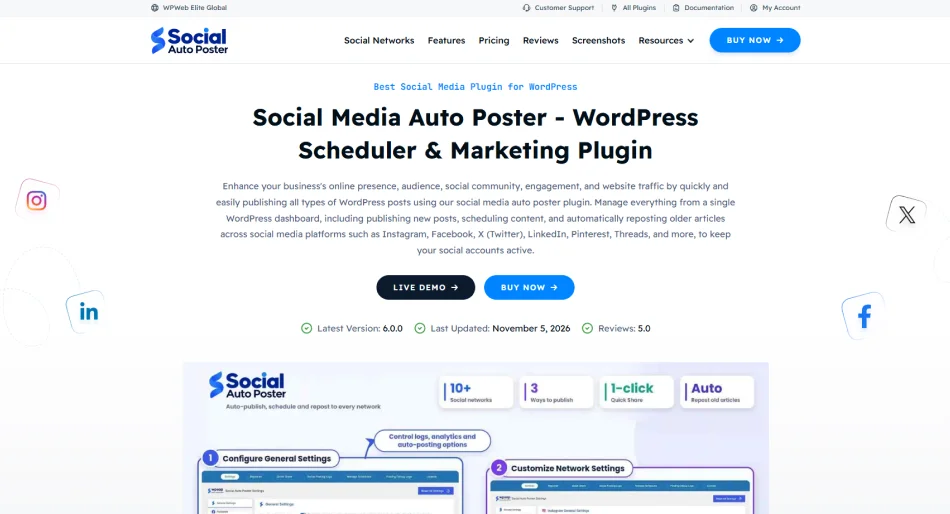
Social Auto Poster is a premium social media auto poster plugin from WPWeb. With 20,000+ happy customers, it shares new posts, pages, WooCommerce products, and custom post types to your connected accounts, and it can reshare older content on a schedule. You can write a different message for each network and for each post, and the plugin builds hashtags from your tags and categories.
It also keeps posting logs, so you can see which shares failed. It suits site owners who manage several accounts or sell products and want everything handled from one dashboard.
Key features
- Auto-shares new posts, pages, WooCommerce products and custom post types
- Supports 12 networks: Facebook, Instagram, X, LinkedIn, Pinterest, Threads, YouTube, Google Business Profile, Reddit, Telegram, Medium and Tumblr
- Unlimited social accounts, with category and tag rules for what goes where
- Reshares older posts, with custom message templates per post
- Hashtags from tags and categories, emoji support and URL shortener support
- UTM and Google Analytics tracking, plus posting logs
- WPML support and white-label posting
Pros
- No limit on the number of connected accounts
- Category rules let you send different content to different accounts
- Logs make it easier to spot failed posts
- A 14-day money-back guarantee on all plans
- Reviewers mention fast, helpful support
Cons
- No free version, so you pay before you can test it
- Updates and support last one year
- No Bluesky or Mastodon in its listed networks
Pricing
- Starts at $49/year for 1 website
Rating:
4.83/5 (185)
2. Revive Social
Revive Social, formerly called Revive Old Posts, is built around keeping your older posts in rotation. It shares new posts when you publish, then recycles older ones on a schedule you set. The free version covers Facebook Pages and X. The paid plans add Instagram, LinkedIn, Bluesky, and more. It works well for blogs with a large archive of evergreen content.
Key features
- Auto-posts on publish and reshares old posts on a loop, with minimum and maximum post age
- Free plan covers Facebook Pages and X
- Pro adds Instagram, LinkedIn profiles and pages, Facebook Groups, Tumblr, Google Business Profile, Telegram, Mastodon, VK and Bluesky
- Custom schedule by day and time (Pro)
- Include or exclude posts by category, tag, custom taxonomy, or keyword
- Share variations, hashtag generation, and the link in the first comment (Pro)
- Zapier connection for 30+ extra networks (Pro)
- Sharing queue and logs
Pros
- The free plan includes auto-posting on publish and recycling of old posts
- Strong filters for choosing what gets shared
- Gets updated frequently
- Works with WooCommerce products and custom post types
- A 30-day money-back guarantee
Cons
- The free plan only covers Facebook Pages and X
- Pro features turn off when your license expires
- Renewals are charged at the regular price, not the introductory price
- Frequent complaints about accounts not connecting
- No share buttons
Pricing
- Starts at $129/year
Rating
4/5 (557)
3. Bit Social
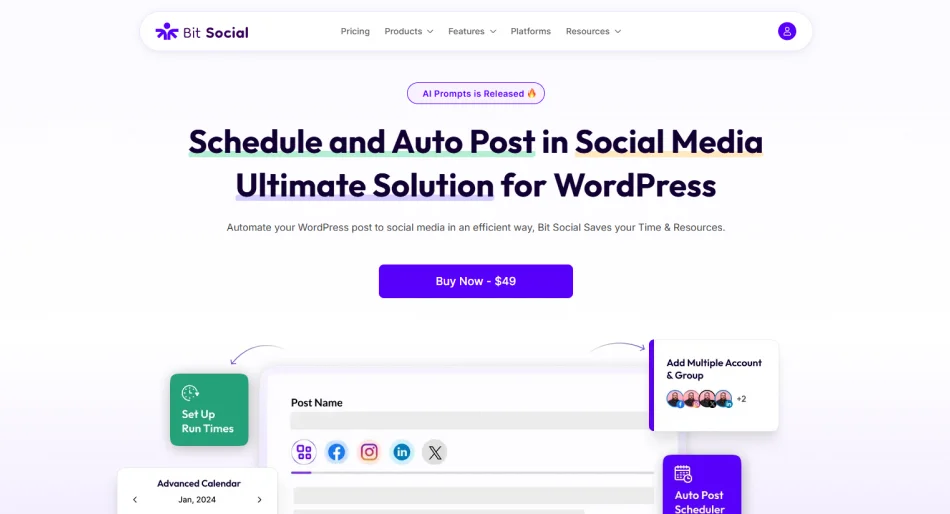
Bit Social is a newer social auto poster plugin from Bit Apps, the team behind Bit Form and Bit Integrations. It connects to 13 networks, schedules posts, and has AI tools for captions and images. If you want a WordPress social media auto poster plugin that sites can run without yearly fees, it is one of the few that offers that.
Key features
- Auto posting, scheduling, a Share Now option, and reshare of older posts
- 13 networks, including Facebook, Instagram, X, LinkedIn, Pinterest, TikTok, Threads, Bluesky, Telegram, Discord, Tumblr, Google Business Profile, and Line
- Unlimited connected accounts, with account groups (Pro)
- Calendar view and a WooCommerce product auto post (Pro)
- AI prompts for captions and images (Pro)
- First comment automation on Instagram, Threads and Bluesky (Pro)
- External cron support for sites with low traffic
- Activity logs, with retry for missed posts, and email alerts for failed posts
Pros
- The free plan has unlimited auto posting and scheduling
- Every paid plan includes every feature
- Lifetime options of $89 or $149
- Gets regular updates
- The free version’s source code is on GitHub
Cons
- The free plan only covers Facebook and LinkedIn profiles
- Small user base, with 6,000+ installs and 37 reviews
- Recent setbacks. Version 1.17.0 fixed a bug where Facebook Pages stopped publishing after about 50 days, and affected pages needed to be reconnected
Pricing
Starts at $49/ year
Rating:
4.5/5 (36)
4. Blog2Social
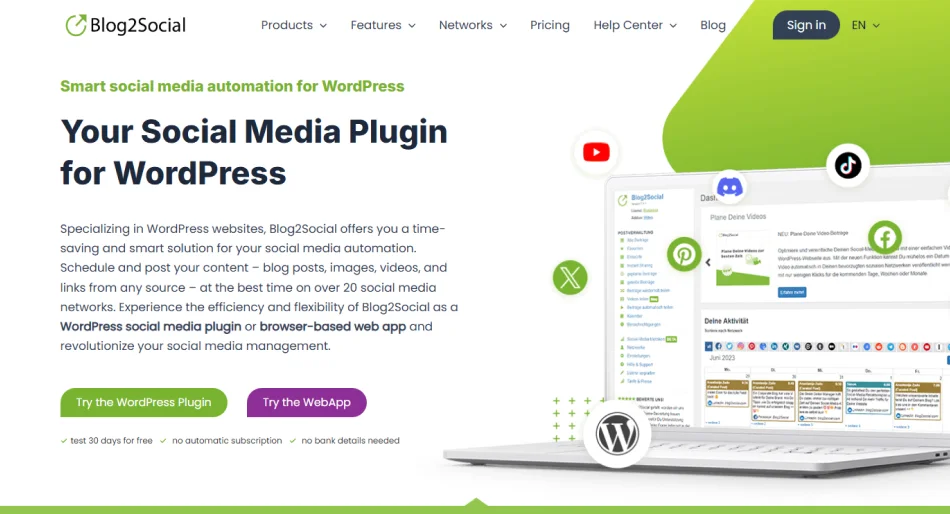
Blog2Social is made by the German company Adenion and has over 40,000 active installs. It supports more than 25 networks and pairs a drag-and-drop calendar with a Best Time Manager that picks posting slots for each network.
One thing to know up front: the free version only shares manually. Auto posting starts on the paid Smart plan. It suits bloggers and small teams who want wide network coverage and a visual planner.
Key features
- Auto posts new and updated posts (paid plans)
- Calendar with drag-and-drop rescheduling, plus Best Time Manager
- Custom text, hashtags, handles, emojis, and images for each network
- Reshares older posts through a queue of 25, 50, or 100 posts, depending on the plan
- UTM tracking, URL shorteners (Bitly, Rebrandly, Sniply) and editable Open Graph tags
- First comment, AI writing assistant and AI templates per network (Pro and above)
- Autoposting of RSS imports and a video add-on for YouTube, TikTok, Vimeo and more
Pros
- Widest network list in this guide, including Bluesky, Threads, Mastodon, Reddit and Google Business Profile
- Free plan covers Facebook, LinkedIn profiles, Bluesky, Threads and Reddit for manual sharing
- Team management on the Business plan
Cons
- Auto posting is not in the free plan
- X is a separate add-on, from $14.99 a month for 70 posts
- Instagram and Pinterest need Smart, Google Business Profile needs Pro, and Telegram needs Business
- Accounts per network are capped by plan (1 on Free, 3 on Smart, 5 on Pro, 15 on Business)
- Each WordPress user needs their own license
Pricing
Starts at $29/month
Rating:
4.5/5 (2095)
5. SchedulePress
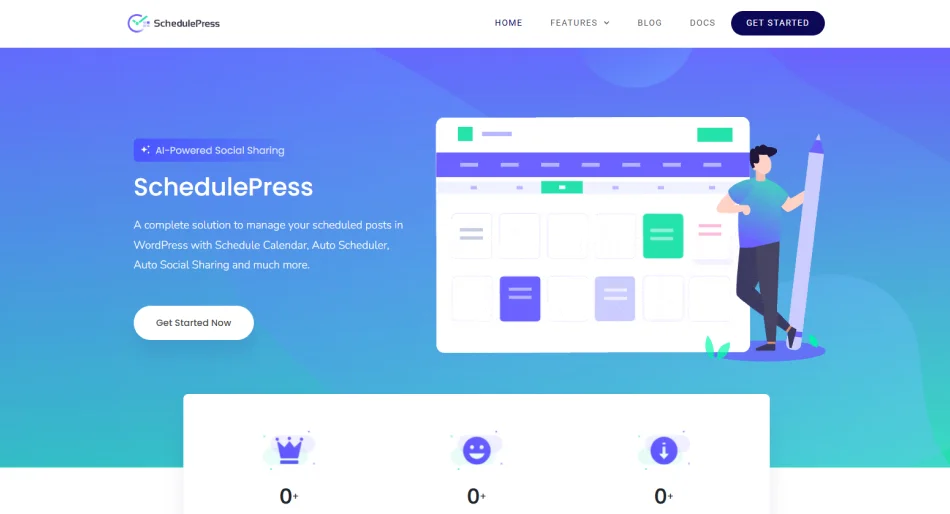
SchedulePress is a WordPress social media auto poster plugin from the team behind Essential Addons, started life as a post scheduler called WP Scheduled Posts and later added social sharing. Its core strength is the editorial calendar and a handler that publishes posts WordPress missed.
On top of that, it auto-shares to Facebook, X, LinkedIn, Pinterest, Instagram, Medium, Threads, Bluesky, and Mastodon. It works well for multi-author blogs and Elementor users.
Key features
- Drag-and-drop schedule calendar and a dashboard widget
- Auto scheduler, manual scheduler, and missed schedule handler (Pro)
- Auto share to 9 networks, plus Google Business Profile (Pro)
- Custom social templates for each platform, with a preview before publishing
- AI caption tool that runs on your own OpenAI key
- UTM tags on shared links, on by default since version 5.3.8
- Scheduling inside Gutenberg, the Classic Editor and Elementor, plus email alerts to authors
- Scheduled updates for already published posts (Pro)
Pros
- Calendar and social sharing in one plugin
- Fixes the missed schedule problem that WordPress has on its own
- Bring-your-own-key AI keeps caption costs in your hands
- 14-day money-back guarantee, and a lifetime license option
Cons
- The free plan covers one profile per network
- Auto scheduler, missed schedule handler, multiple profiles, LinkedIn pages, and Google Business Profile are Pro
- Built around new posts, with no evergreen recycling feature listed
- Meta no longer allows posting to Facebook groups, so that option is gone
- X posting needs your own X developer account, and a failed share can mean the account needs API credits
Pricing
Starts at $49/ year
Rating:
4.6/5 (201)
6. Jetpack Social
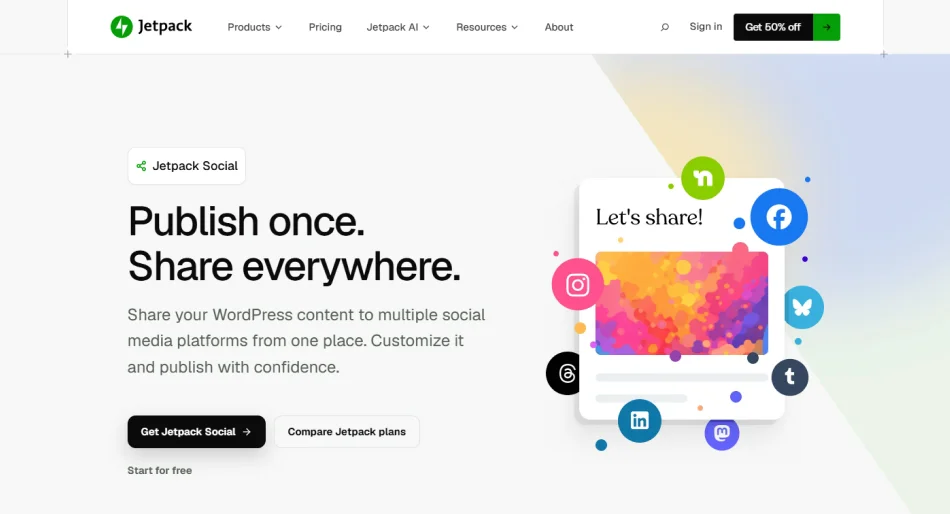
Jetpack Social comes from Automattic, the company behind WordPress.com. It is the simplest tool on this list because everything happens inside the post editor. You toggle your accounts, preview the share, and publish.
The free plan auto-shares to Facebook, Instagram, Threads, Bluesky, LinkedIn, Mastodon, Nextdoor, and Tumblr. It fits solo bloggers who want a quick setup and don’t need much control.
Key features
- Auto-share when you publish, or schedule a social post for later
- Pre-publish preview and confirmation
- Re-share and schedule already published posts
- Social Notes for short updates without a blog post
- Custom message and media for each network (paid)
- Reusable message templates per connection (paid)
- Social Image Generator and custom images or video (paid)
Pros
- Free plan includes auto-sharing, previews, re-sharing, and scheduling
- Supports Nextdoor, Mastodon, and Bluesky
- Backed by Automattic, with 30,000+ active installs
- Updated regularly
Cons
- No X support
- Check your dashboard before you rely on it
- Custom messages for each network are paid only
- Fewer controls than dedicated auto posters, with no filters or posting queue listed
Pricing
Starts at $29/month
Rating
3.5/5 (74)
7. Nelio Content
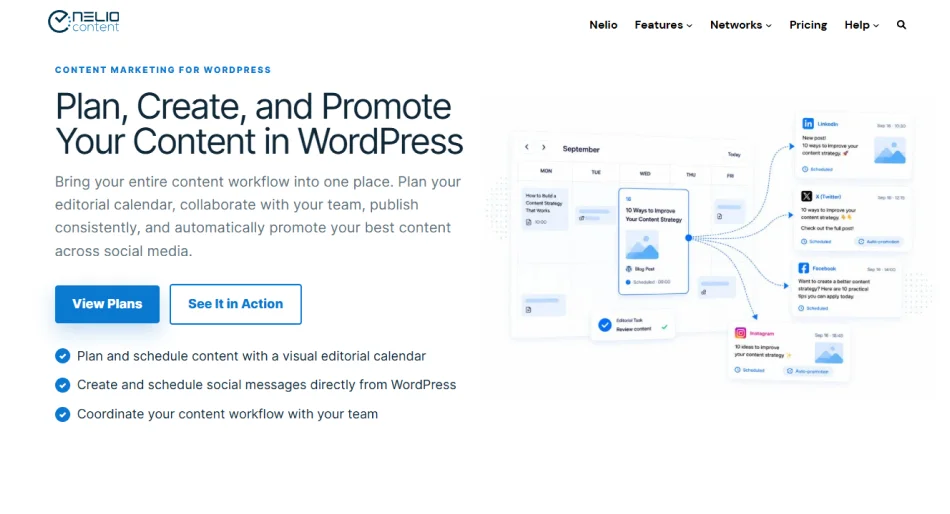
Nelio Content, from Nelio Software, mixes an editorial calendar with social auto posting. You plan posts, write the social messages that go with them, and see everything on one calendar. If you move a post to a new date, its social messages move with it.
It supports more than 20 networks, including Buffer and Hootsuite connections. It is best for multi-author blogs and content teams.
Key features
- Editorial calendar with week, month, and agenda views
- Social automations that create messages from templates when a post is published
- Networks include X, Facebook Pages, LinkedIn (profiles and company pages), Instagram Business, Mastodon, Bluesky, Threads, Pinterest, Reddit, TikTok, Telegram, Discord, Slack and Google Business Profile
- Google Analytics and social engagement stats inside WordPress
- UTM parameters and link shorteners
- Automatic resharing of old posts, editorial tasks, comments and a content board (Premium)
- Connection for AI assistants, added in version 5.0
Pros
- Planning and social promotion in one place
- Social messages follow your posts when you reschedule
- The free plan includes the calendar and sharing to up to 7 networks
- Reviewers often mention fast, helpful support
Cons
- Free automations create only one message per connected profile at publish
- X posting needs a separate paid posting quota.
- Social features run through Nelio’s external cloud service, which needs a connection
- More tools than you need if you only want a simple auto poster
Pricing
Starts at $14/month
Rating
4.4/5 (105)
How to Choose the Right WordPress Social Media Scheduler Plugins
To choose a WordPress social media scheduler plugin, check six things: the networks and account types you use, what the free plan really includes, how scheduling works, what you will pay after year one, how well the plugin is maintained, and where your data goes.
Test one plugin on a staging site before you commit. The best WordPress social media auto-posting plugin is the one that passes these checks for your setup, not the one with the longest network list.
1. Match the networks and account types.
Write down the networks you post to, then check that each one is included in the plan you would buy. Plans often lock networks behind higher tiers. Also check your account type. Many plugins connect to Facebook Pages and Instagram Business accounts, not personal profiles.
2. Read what “free” means.
A free plan can mean manual sharing only, one profile per network, or a cap on shares. Confirm that auto sharing on publish is included before you spend time on setup.
3. Decide which scheduling tools you need.
If you only share new posts at publish time, a simple tool is enough. If you plan a month ahead, you want a calendar. If you have a large archive, look for a queue that reshares older posts. Don’t pay for tools you won’t use.
4. Check per-network customization.
A caption that works on LinkedIn rarely works on Threads. Look for separate text, images and hashtags for each network, and find out whether that is a paid feature.
5. Work out the real cost.
Compare the first-year price with the renewal price, then add extras such as paid add-ons for single networks. Check how licenses count sites and users, and whether a lifetime option exists. Three years of cost tells you more than the price on the box.
6. Look at how well it is maintained.
Social networks change their rules often, so an abandoned plugin breaks quickly. Check the last update date, the “tested up to” WordPress version, and how fast the developer answers support threads. Read the one-star reviews, not just the average. If they mention accounts disconnecting, test that on your own site.
7. Understand where your data goes.
Some plugins handle logins or scheduling through the vendor’s own servers. If that matters for your privacy policy, read what the plugin says it sends and to whom.
If two plugins pass every check, pick the one whose renewal price and support record you trust more.
Conclusion
The right plugin comes down to your networks, your budget over several years, and whether you need a calendar, old-post resharing, or a simple share at publish time. Setting it up is only half the job.
Social networks change their rules often, so check your share logs about once a month and reconnect any account that drops. A few minutes of upkeep keeps your posts going out while you focus on writing. Pick one plugin, connect your accounts, and let your next post show whether it works.
If you need help choosing the right WordPress social auto poster plugin for your website, contact us to find the right fit.