
Quick Summary
- A gift card plugin lets WooCommerce stores sell prepaid balances customers redeem online.
- Nine free, paid, and hosted plugins are compared here, with data checked
- Cards come as digital email cards, printable PDF vouchers, or shipped physical cards.
- Costs range from free plugins to yearly licenses and per-sale fees.
- Key factors are redemption place, checkout compatibility, security history, and gift card rules.
Gift cards let your store get paid before anything ships. One person buys the card, another spends it, and you pick up a new shopper without running an ad. With Black Friday only days away, many store owners want them live right now.
WooCommerce core does not sell gift cards, so you need a gift card plugin for WooCommerce. Picking one is harder than it looks. Some send digital cards by email. Others print PDF vouchers, work at a shop counter, or run on an outside service that takes a cut of every sale. Prices, free versions, and security records also differ a lot.
This guide covers the top WooCommerce gift card plugins, nine in total. Each one gets its key features, pros, cons, price, and rating.
WooCommerce Gift Cards Plugin: Side by Side
| Company Name | Best For | Pricing | Ratings |
|---|---|---|---|
| Vezaro PDF Vouchers |
| 4.9 | |
| Gift Cards For WooCommerce Pro |
| 4.7 | |
| PW WooCommerce Gift Cards |
| 4.7 | |
| YITH WooCommerce Gift Cards |
| 3.3 | |
| PDF Product Vouchers (SkyVerge) |
| 3.9 | |
| Gift Cards Pro for WooCommerce |
| 3.2 | |
| Advanced Coupons |
| 4.4 | |
| Smart Coupons by WebToffee |
| 4.7 | |
| Gift Up |
| 4.9 |
What Are WooCommerce Gift Cards (and Gift Certificates)?
A gift card in eCommerce, also called a gift certificate or voucher, is a prepaid balance that a customer buys and someone else spends in your store. The three names mean the same thing. “Certificate” is the older, paper-era word, and many WooCommerce plugins use “voucher” for the printable version.
How does a gift card work in WooCommerce?
The card is set up as a product. The buyer picks an amount, adds the recipient’s name and a message, and pays. The plugin creates a unique code and sends it, usually by email. The recipient types the code at checkout, and the plugin subtracts the amount from the order. Whatever is left stays on the card for next time.
Cards come in two forms. Digital cards arrive by email or as a PDF. Physical cards are printed and shipped, or sold in a shop, with the code loaded into your store.
Gift Card vs Coupon vs Store Credit
These three get mixed up, and the difference decides which plugin you need.
| Payment Source | Who pays for it | What it is | Typical use |
|---|---|---|---|
| Gift card | The buyer | Prepaid money the recipient can spend | Gifts |
| Coupon | You | A discount, such as 10% off | Promotions |
| Store credit | You, or a refund | A balance tied to one customer account | Refunds and goodwill |
A coupon costs you margin. A gift card does not, because the money is already in your account. It is also a debt until it is spent, so your accountant will want to track unused balances.
If you want to add gift cards, vouchers, or store credit to your store, a WooCommerce development company can help configure the right functionality for your needs.
Top 9 WooCommerce Gift Card Plugins
Let’s discuss the top nine WooCommerce gift card plugins, from free options to paid tools and hosted services. Each entry lists features, pros, cons, price, and rating so you can compare quickly.
1. Vezaro – WooCommerce PDF Vouchers
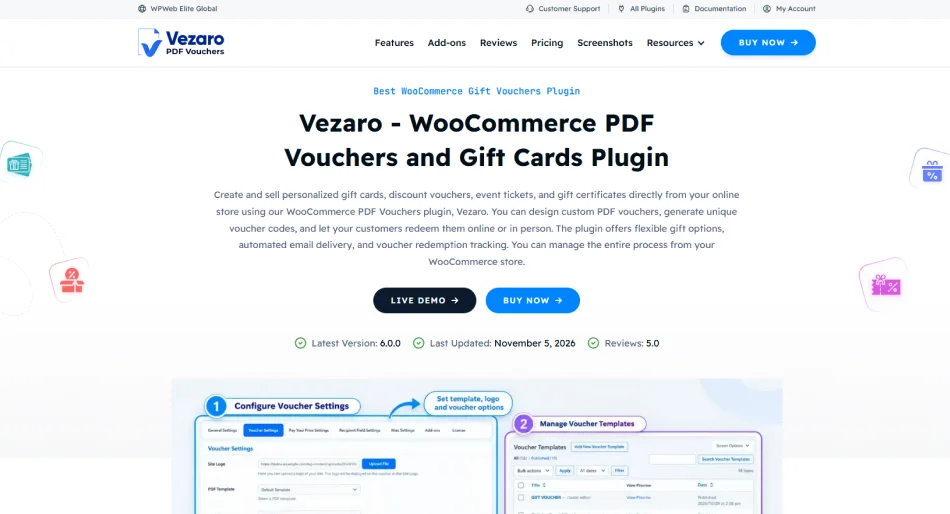
Vezaro is a WooCommerce gift card plugin that works through printable PDF vouchers. Any product can become a voucher with a unique code and a QR code. That suits stores that sell gift cards next to event tickets, classes, or prepaid services, so one tool covers both. It is rated very well by users, ensuring a great experience.
Key Features
- Any standard product can become a voucher, with unlimited voucher products
- A drag-and-drop builder for layouts with logos, colors, expiry dates, and QR codes
- Buyers can add the recipient’s name, email, and a personal message, which print on the PDF
- The PDF is created after payment and attached to the order email
- A dashboard splits vouchers into unredeemed, redeemed, and expired
- Online redemption through an auto-created WooCommerce coupon, or in person by QR scan or manual lookup
- Works with HPOS and block checkout, and supports non-Latin text such as Greek, Cyrillic and Hebrew
Pros
- Handles gift cards, tickets and service vouchers with one setup
- QR codes cut down on typing at a shop counter
- Voucher preview on the product page
Cons
- Partial redemption, bulk code generation, scheduled delivery, reports, and password-protected PDFs need the paid version
- Each code can be used only once in the free version
- Vouchers are A4 portrait only
| Pricing: | $49/year |
| Rating: | 4.9/5 (280) |
2. Gift Cards For WooCommerce Pro
Gift Cards For WooCommerce Pro, by WP Swings, is a free gift card plugin for WooCommerce with a long feature list. It covers online sales and also helps shops that take gift cards at a counter, thanks to a built-in redemption portal. That makes it a practical pick for stores that sell both online and in person. A paid Pro version exists for stores that outgrow the free one.
Key Features
- Five pricing types: fixed, price range, selected amounts, customer-entered amount, and variable
- Four default email templates, plus custom templates you upload
- A gifting portal where staff redeem, recharge, and look up cards at a counter, limited to 2 employees and 20 transactions a day in the free version
- Expiry dates, minimum and maximum spend limits, and product or category exclusions
- A balance checker for customers and a notice to the sender when the card is used
- Daily redemption limits per user and a cap on how much of an order a card can pay
- Gift card reports, HPOS, block checkout and WPML support
Pros
- The free version has more pricing options than most rivals
- The in-store portal works without a separate POS system
- Translated into 31 languages
Cons
- Scheduled delivery, QR and barcode codes, PDF cards, SMS, and CSV import and export need Pro
- User reported unremovable promotional notices in the WordPress dashboard
| Pricing: | $89/year |
| Rating: | 4.7/5 (246) |
3. PW WooCommerce Gift Cards
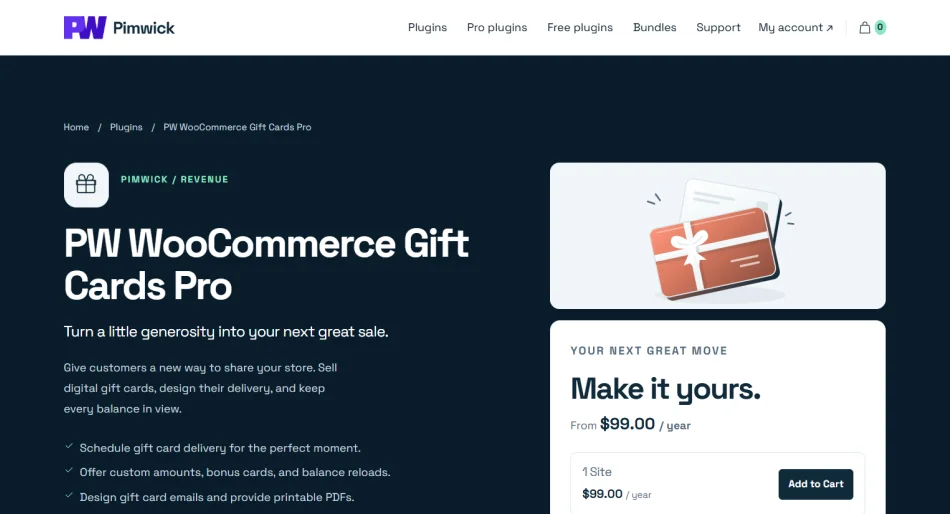
PW WooCommerce Gift Cards, by Pimwick, is a simple gift card plugin for WooCommerce that most stores can set up in minutes. A customer picks an amount, adds a recipient and a message, and pays. The recipient gets the card by email and spends it at checkout like cash. The free version covers basic digital cards well, which makes it a common starting point for new stores.
Key Features
- One-click creation of the gift card product
- Emails use WooCommerce’s own template system, with a link that adds the card to the cart
- Guest redemption, so recipients do not need an account
- The balance applies after tax, like cash, and the new balance shows in the cart
- An admin view of total gift card liability
- Works with block checkout, HPOS, Subscriptions and Pre-Orders
- Supports several currency switcher plugins
Pros
- Setup takes about five minutes
- Recent reviews praise the support, even on the free version
Cons
- Customer-entered amounts, PDF cards, expiry dates, scheduled delivery, bonus cards, QR codes, and physical card import all need Pro
| Pricing: | $99/year |
| Rating: | 4.7/5 (196) |
4. YITH WooCommerce Gift Cards
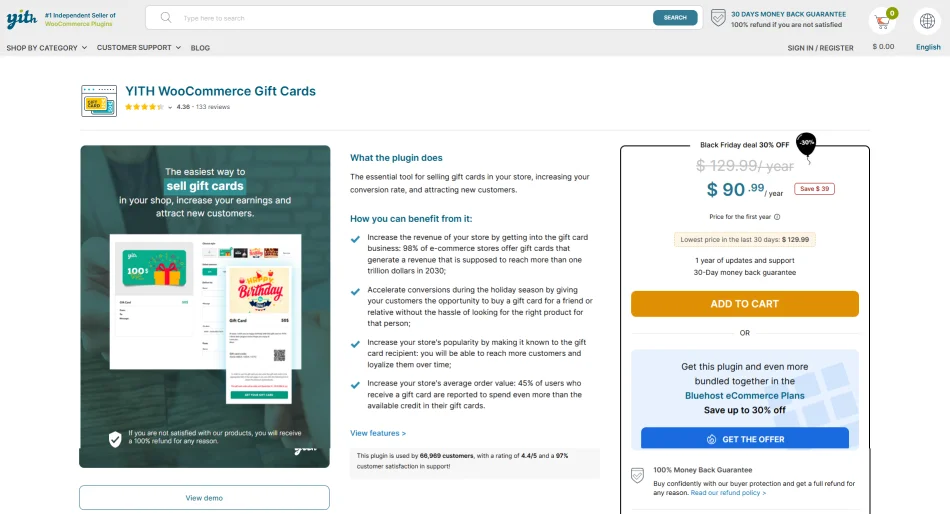
YITH WooCommerce Gift Cards is a gift card plugin for WooCommerce that handles both digital and printable cards. It adds gifting tools most rivals lack, such as themed card images and a way to gift a specific product. A free version is on WordPress.org, and the premium version is sold on YITH’s site. It suits stores that want the gift-buying experience to feel personal.
Key Features
- Virtual cards sent by email, and physical cards you ship
- Themed image galleries by occasion, with customer photo upload
- A “Gift this product” button that creates a card for the same value as a chosen product, with the option to cover its shipping
- Delivery date and time picker, up to three months ahead
- Multiple recipients per card, a sender name, and a custom message
- Optional PDF attachment, and a QR code that applies the card to the cart
- Email notices to the sender when the card is delivered and when it is used
- Bulk code generation, CSV import and export, and conversion of old Smart Coupons credit into gift cards
- Shortcodes for a balance check page and a staff page to deduct balances for in-store sales
Pros
- Gifting features such as image galleries and gift-this-product are rare
- Fixed or custom amounts, with minimum and maximum limits
Cons
- Premium integrations, such as YITH Booking or Multi Currency Switcher, require buying those plugins separately
- In-store redemption needs a manual balance update through the staff page unless your shop is synced to WooCommerce
- The free and premium feature split is long, so read YITH’s comparison table before buying
| Pricing: | $129.99/year |
| Rating: | 3.3/5 (53) |
5. PDF Product Vouchers by SkyVerge
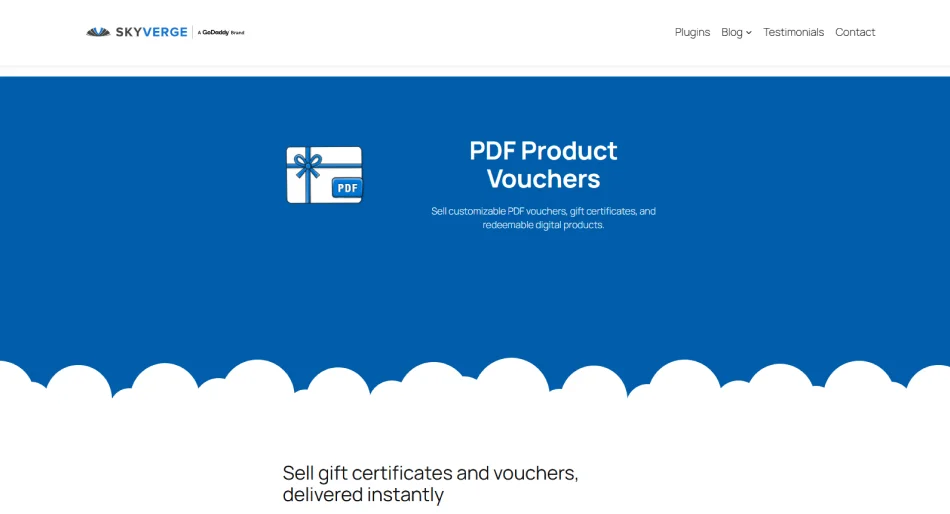
PDF Product Vouchers is a paid, official WooCommerce extension from SkyVerge. It works as a WooCommerce gift card plugin for businesses that sell something now and deliver it later, such as classes, events, restaurant meals, or in-store credit. Each voucher is a branded PDF that staff can scan and redeem at the counter. It leans toward prepaid services more than classic gift cards.
Key Features
- A visual template editor with six default backgrounds, or upload your own
- Optional alternate backgrounds that buyers can choose from
- Recipient name and message fields, plus automatic email to the recipient
- A searchable voucher list showing remaining value
- Partial and multiple redemptions, plus a void option to block further use
- QR codes for scanning at the counter
- Online redemption through the coupon field, and single-purpose vouchers limited to chosen products
- Manual vouchers you create and gift to customers
Pros
- Carries the “Excellence verified” badge on Woo.com and passed its vulnerability checks
- Redemption and voiding work like a refund screen, which staff pick up fast
- Suited to prepaid services and events as much as gift cards
Cons
- Letting buyers pick any amount needs the separate Name Your Price extension
- Only 3K+ active installs, which is small next to PW or YITH
| Pricing: | $129/year |
| Rating: | 3.9/5 (45) |
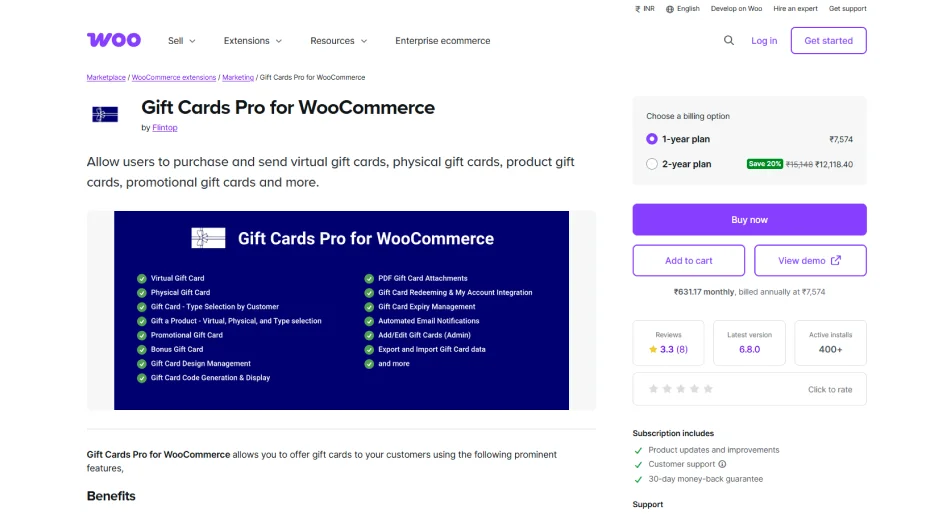
6. Gift Cards Pro for WooCommerce
Gift Cards Pro, by Flintop, is a paid WooCommerce gift card plugin that treats gift cards as both a sales tool and a gift option. You can charge extra for a physical card, reward big spenders with a bonus card, and issue promotional cards yourself. If your store only needs to send a simple digital card, this plugin has more settings than you will use.
Key Features
- Five card types: virtual, physical, gift a product, promotional and bonus cards
- A surcharge for physical cards, set as a fixed amount or a percentage
- Bonus cards with tiered rules, such as an extra card when someone buys a card above a set amount
- Four ways to set amounts, including preset values with a custom option
- Sell a card at a discount while the recipient gets the full value
- Design categories, a popup picker and customer image upload
- QR codes, barcodes and PDF attachments
- Scheduled delivery, multiple recipients and expiry reminder emails
- Redemption at cart, checkout or the coupon field, plus a wallet balance in My Account
- CSV import and export, reports, and support for block and classic checkout
Pros
- Physical cards, bonus cards, and promotional cards are all in one plugin
- Redemption limits by cart total, product or category, and a block on using a card to buy another card
Cons
- Users reported the card value dropping on every partial use and advised against it for high volume
- No free version
| Pricing: | $79/year |
| Rating: | 3.2/5 (8) |
7. Advanced Coupons
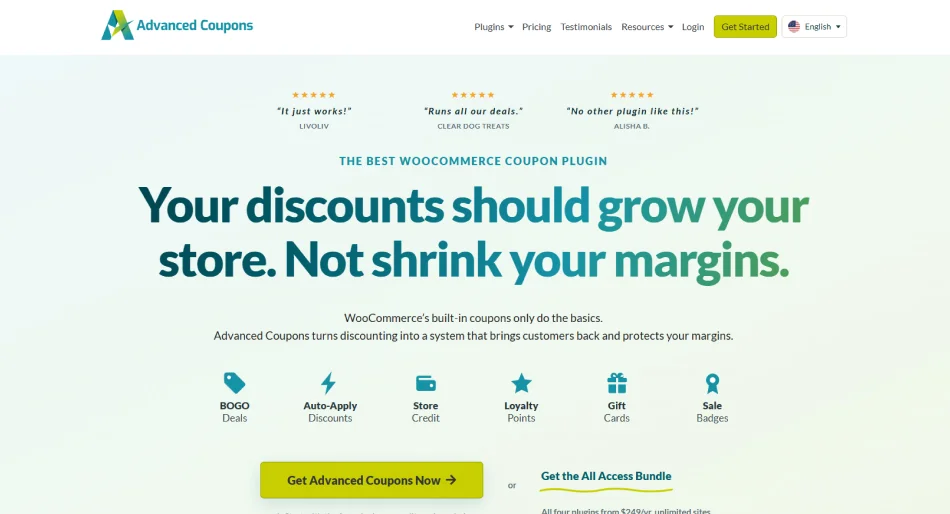
Advanced Coupons is mainly a coupon plugin, and the free version does not sell gift cards. It earns a place among the top WooCommerce gift card plugins because its store credit system pairs with a separate paid add-on, Advanced Gift Cards. Together they let you sell gift cards without leaving the Advanced Coupons ecosystem. It fits stores that already run their promotions with it.
Key Features
- Store credit per customer, with refunds to credit, manual credit grants, and a balance in My Account
- Gift cards sold through the Advanced Gift Cards add-on, which customers redeem into the free plugin’s store credit
- BOGO deals, cart conditions, URL coupons and role restrictions
- Coupon categories, scheduling and email sending
- Works with block and classic checkout
Pros
- One system covers coupons, refunds, and gift card balances
- Redeemed gift card money becomes store credit, which keeps balances in one place
- 20,000+ active installs, and security reports go through Patchstack
Cons
- The plugin you would install from WordPress.org has no gift card selling feature
- Store credit appears at checkout for logged-in customers, so guest buyers are left out
| Pricing: | $399/year |
| Rating: | 4.4/5 (185) |
8. Smart Coupons by WebToffee
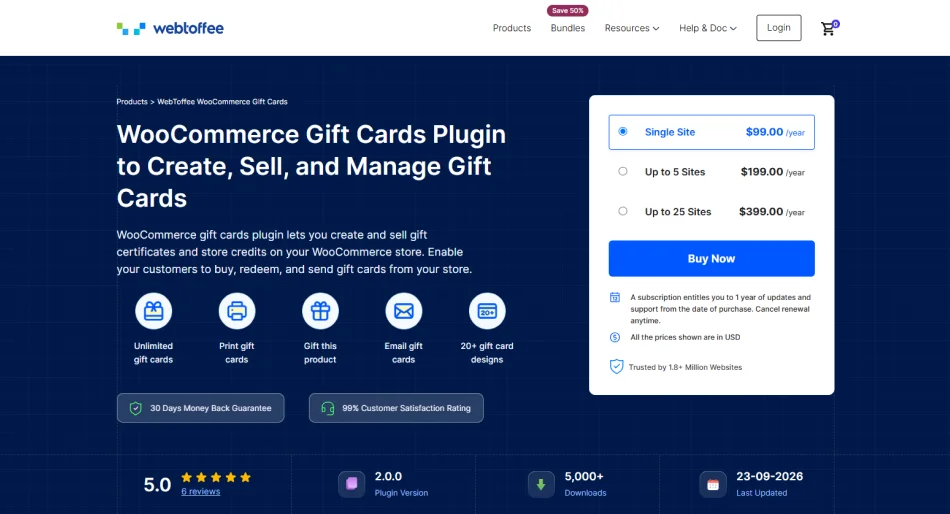
Smart Coupons by WebToffee is a coupon plugin with 30,000+ active installs, and the free version has no gift card features. Gift vouchers and store credit come with the premium version, which turns it into a gift card plugin for WooCommerce stores that already run WebToffee coupons. It suits stores that want promotions and gift vouchers from one tool.
Key Features
- BOGO deals, quantity and subtotal discounts, and auto-applied coupons
- Restrictions by product, category, user role, country, shipping method, and payment gateway
- Bulk coupon generation, coupon categories, URL coupons, and scheduling
- A “My Coupons” tab where customers see their available coupons
- Gift vouchers built on a store credit product, in any amount range
- Customers can buy store credit, and you can issue refunds as store credit
- Sign-up, first-order, and cart abandonment coupons, plus coupon import
Pros
- One plugin covers promotions and gift vouchers
- The free version is generous for coupon work
Cons
- Gift voucher and store credit features are premium only
- Customers do not get a dedicated gift card flow with designs, scheduled delivery, or a balance checker.
| Pricing: | $89/year |
| Rating: | 4.7/5 (133) |
9. Gift Up! WooCommerce Gift Cards
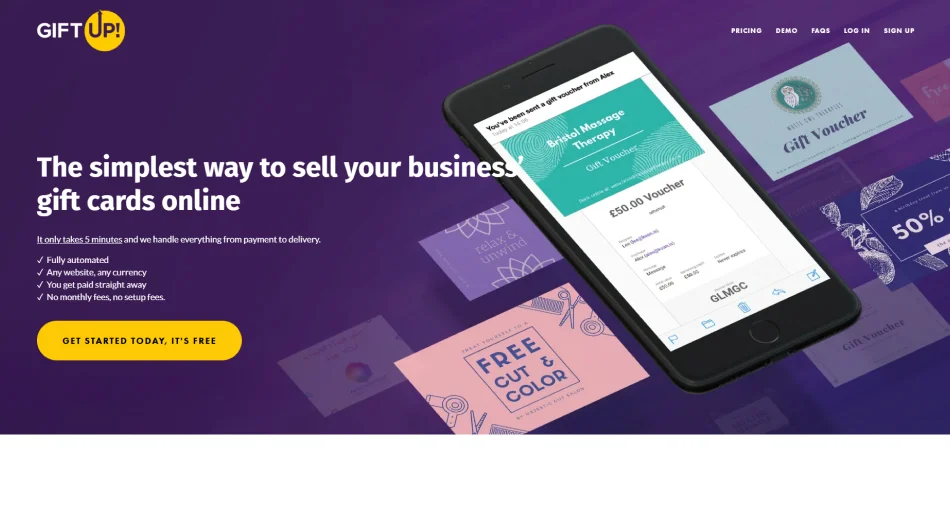
Gift Up is a hosted gift card service that connects to WordPress through a plugin, so it is a different kind of gift card plugin for WooCommerce. Your cards live on Gift Up’s platform, and your store links to them. It works with or without WooCommerce, which makes it the odd one out in this list. Instead of a yearly license, it takes a small cut of each card you sell.
Key Features
- Hundreds of ready-made card designs, or upload your own
- A checkout widget you drop onto any page with a block or shortcode
- Immediate or scheduled email delivery, expiry dates and custom amounts
- Redemption in your WooCommerce cart, or in person through Gift Up’s mobile and web app
- Payments through your own gateway, including Stripe, PayPal, Square, Mollie, Authorize.Net and Adyen
- Checkout in 30+ languages and payments in 135+ currencies
- A management dashboard with exportable reports
- Integrations with other tools such as Mailchimp
- Block checkout support for redemption
Pros
- No setup cost and no monthly fee
- You get paid in full right away, and Gift Up does not hold your funds
- Good fit for stores that sell gift cards on social media or on sites without WooCommerce
Cons
- Gift Up charges 3.49% on every gift card sold. You can pass it to the buyer. It comes on top of your payment gateway’s fees.
- Card data sits on Gift Up’s servers, not in your WordPress database
- Cards are not WooCommerce products, so you manage them in Gift Up’s dashboard
- It needs a Gift Up account and an API key
- Gift cards cannot be redeemed if your Gift Up account is overdue on payment
| Pricing: | No monthly fee; charges apply based on transactions |
| Rating: | 4.9/5 (235) |
How to Choose the Best WooCommerce Gift Card Plugin
The best WooCommerce gift card plugin is the one that fits how your customers buy and spend the card. Decide on card type, where cards get redeemed, total cost, and update record, then match those answers to a plugin. Most small online stores can start with a free digital plugin.
Pick the Card Type
This decides your shortlist faster than any feature list.
- Digital cards by email: the simplest route, and every plugin here supports it except pure coupon tools.
- Printable PDF vouchers: right for classes, events, and prepaid services. Choose a voucher plugin with QR codes.
- Physical cards you ship: you need a plugin that can load or import codes and charge for the card itself.
Decide Where Cards Get Spent
If you only sell online, any plugin with cart and checkout redemption works. If you also run a shop, a market stall, or a service desk, look for a redemption portal, QR scanning, or a staff balance page. Without one, someone has to edit balances by hand in the admin.
Work Out the Real Cost
A free plugin is only free until you need a feature behind the paywall. Check which features sit in Pro before you commit, and count the full price: license, add-ons, and fees per sale.
Fee-based services flip the math. Gift Up’s 3.49% on $5,000 of yearly gift card sales comes to $174.50. A $79 to $99 license beats that once you sell roughly $2,300 to $2,800 a year. Below that, the per-sale fee is cheaper.
Test Compatibility Before You Buy
A gift card plugin touches checkout, so a conflict costs sales. Confirm these on the plugin’s listing, then on a staging site:
- Block checkout and HPOS support
- Your payment gateway
- Your currency switcher, if you sell in more than one currency
- Your subscription or booking plugins
Multi-currency is where reviewers report the most trouble, so run a live test order in a second currency.
Check the Update and Support Record
Gift card plugins store value, so they attract attackers. Read the changelog for recent security fixes and a recent release date. Read the newest reviews, not the average, and look at how the developer replies. A plugin with a handful of reviews is not bad, but you carry more risk as an early user.
Check the US Rules
In the US, federal rules (Regulation E, from the CARD Act) generally limit gift card expiry dates and certain fees, and states add their own rules on expiry and unclaimed balances. Check the CFPB guidance and your state’s rules before you set an expiry in any plugin. Tax treatment also varies, so confirm with your accountant.
Conclusion
Nine options come down to two or three once you know your card type, where customers will spend it, and how much you expect to sell each year. That is the real takeaway from this list.
For most online stores, begin with a free plugin, sell a few cards over the holiday season, and upgrade only when you hit a limit that costs you sales. Moving later is easier if your plugin lets you export gift card codes.
Before you go live, buy one card yourself, spend part of it, and check that the remaining balance is right. Then recheck prices and ratings on each listing, since they change often.
FAQs on WooCommerce Gift Cards Plugin
1. How do I reduce gift card fraud in WooCommerce?

Generate codes only after payment clears, not while the order is still pending. Cap the maximum card value, and hold high-value orders for a manual check before delivery. Use your payment gateway’s fraud filters, since stolen-card gift card orders are a common abuse and chargebacks hit you after the code is already spent.
2. What happens to a gift card if the order is refunded or cancelled?
It depends on the plugin and its settings. Ultimate Gift Cards disables the card automatically on a refund or cancellation. YITH lets you choose between suspending and disabling it. Set this rule before launch, because a card that stays active after a refund lets the buyer keep the money and the balance.
3. Can customers use a gift card and a coupon on the same order?
Usually, you decide. Ultimate Gift Cards can limit a card to individual use, and Gift Cards Pro can block coupons whenever a card is applied. Allowing both can stack discounts and cut your margin, so test a cart with both before you go live.
4. What should I do if a recipient says the gift card email never arrived?
Ask them to check the spam and promotions folders first. Then resend the email from the order screen, which most plugins here allow. If it happens often, send store emails through an SMTP or transactional email service so delivery stops depending on your hosting.
5. Can I move existing gift card balances when I switch plugins?
Often yes, if both plugins support CSV export and import. Export every code with its remaining balance from the old plugin, then import the file into the new one. Import is a paid feature in some plugins. Keep the old plugin active until the import is checked, and test one imported card at checkout.